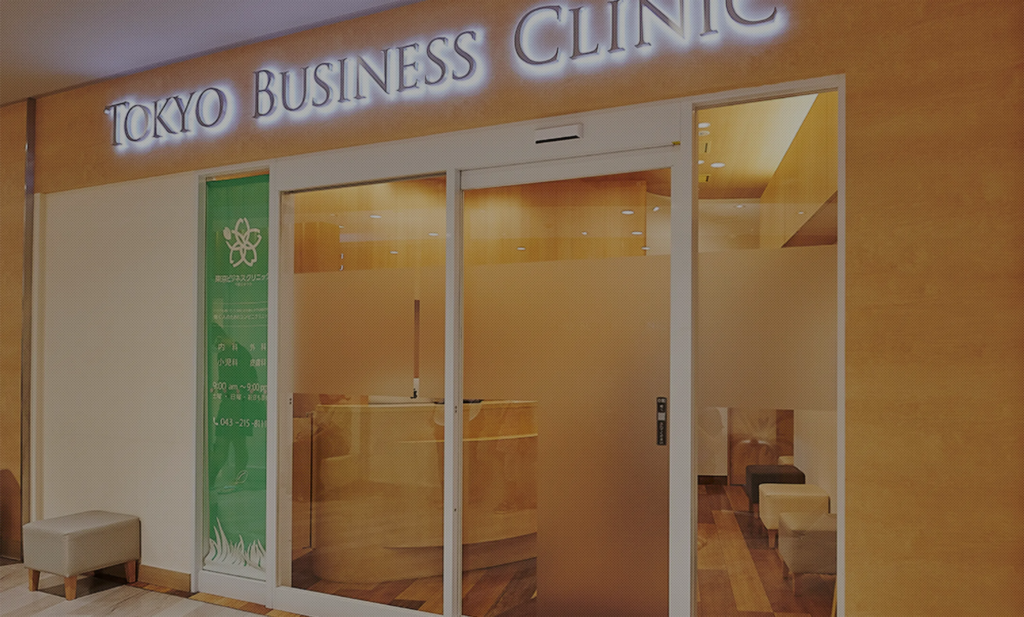
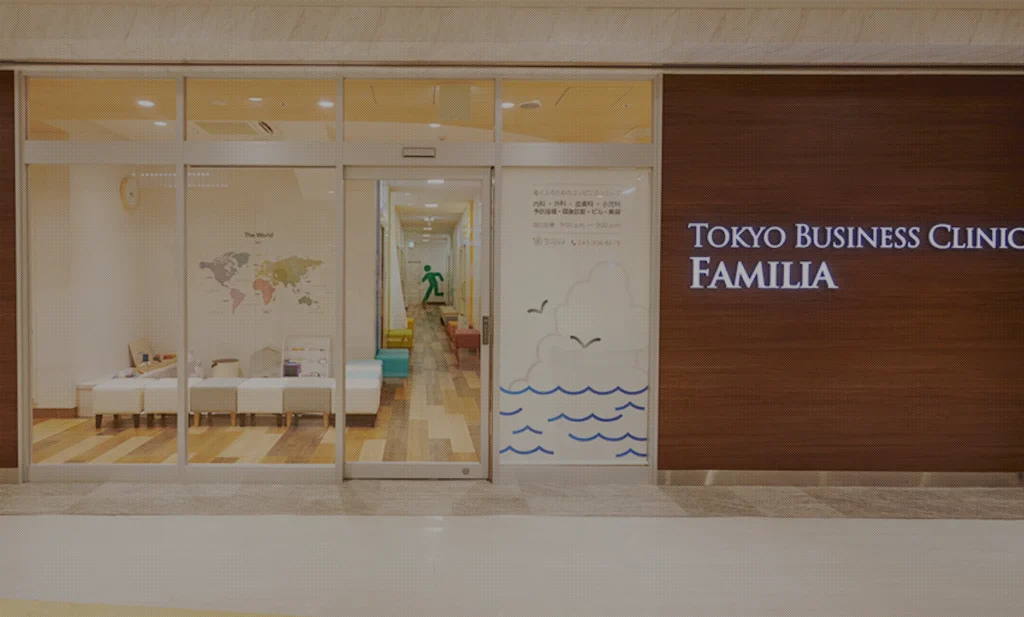
No membership required — you can receive a consultation from home.
Telemedicine allows you to see your regular doctor from home or even from your workplace through the internet. Because you can talk face-to-face with the doctor, it is not so different from an in-person visit.
Although procedures such as physical examination with a stethoscope or laboratory tests cannot be performed, we will listen to you carefully.
Please feel free to ask about any concerns you may have.
STEP 1: When Making a Reservation
Tap the “Telemedicine” button on the screen.
Tap the “Telemedicine” button on the screen. On the reservation site, select your preferred consultation date and time, enter the required information, and make a tentative reservation.
From tentative reservation to confirmed reservation
Access the URL provided in the reservation confirmation email and finalize your booking.
STEP 2: On the Day of Consultation
Access the room
When your appointment time arrives, the clinic will call you. Please follow the instructions given over the phone and access the designated URL.
Turn on the camera and microphone
Access the designated room URL, keep your camera and microphone turned on, and click the “Join” button to enter.
*To join from a smartphone, you need to download the Gmail app or the Google Meet app and log in with your Google account. This is not required when joining from a PC.
Reception
The reception staff will assist you with the check-in process. They will confirm your insurance information and basic personal details, and explain the available payment methods. If you would like a receipt, please inform the reception desk in advance. (It will be sent to you by mail.)
Medical consultation
The doctor will conduct the consultation. Please describe your symptoms. If it is necessary to examine the affected area, you may be asked to show it on the screen.
Leave the room
After your consultation with the doctor is finished, please leave the room. If you have any questions, please remain in the room and the reception staff will come to assist you.
STEP 3: After the Consultation
Payment
Please make your payment according to the payment method explained during your consultation.
Receive your prescription and receipt
Medication will be mailed directly to your home from a pharmacy affiliated with our clinic.
Pick up your medication at your preferred pharmacy (please inform us of the pharmacy, and we will send the prescription directly to them by fax).
Pick up the prescription directly at our clinic.
*At the time of reception, we will ask you in advance which method you prefer.
Q: I would like to start telemedicine. What should I do?
In our online medical consultations, reception and examinations are conducted with audio and video, similar to a video call. You will need a computer, smartphone, or tablet with internet access, as well as a credit card or a payment app.
Further details will be provided in the reservation confirmation email, so please check it carefully. Depending on your Google account and the device you use, you may be required to install the Google Meet app.
Q: Can I make an online consultation appointment by email or phone?
At present, we do not accept online consultation appointments by email. We kindly ask you to make your reservation through our clinic’s website. If you have difficulty making a reservation, please contact us by phone.
Q: Where can I change or cancel my reservation?
You can make changes from the reservation confirmation email.
Q: Could you tell me how to use the online tool Google Meet?
Please make sure you have a Google account ready before your consultation.
For smartphones or tablets: Please download the Google Meet mobile app.
For computers: Use the latest version of your preferred web browser. No download is required.
Our staff will call you and guide you to the designated room. Please enter the room and wait. If the microphone or camera does not work in Google Meet, it may be blocked in your device’s privacy settings. Please check the settings as follows:
For smartphones (iPhone) or tablets (iPad): Settings > Privacy > Microphone or Camera > Turn on “Meet”
For computers (Mac): System Preferences > Security & Privacy > Privacy > Camera > Turn on “Google Chrome”
For computers (Windows): Settings > Privacy & Security > Microphone > Turn on “Allow desktop apps to access your microphone”
Where will the call come from at the start of online consultation? It will come from our dedicated online consultation line: 080-7482-1779 (or from a blocked number) Hours: Weekdays 9:30 AM – 8:30 PM
On weekends and public holidays, or outside the above hours, please contact each clinic directly.
Q: How should I make the payment?
After the consultation is finished, an online payment form will be sent to the email address you provided. By clicking the link in the email, the payment screen will be displayed.
Q: What payment methods are available?
Credit cards (VISA, MasterCard, AMEX, Diners, JCB), Convenience store payment, Bank transfer (virtual bank), App payments (PayPay, Merpay, LINE Pay, FamiPay)
Q: Can I receive an online consultation even if it is my first visit with no prior medical history at your clinic?
Even first-time patients can receive an online consultation and have a prescription issued. However, please note that for first-time patients, psychotropic medications and sleeping pills cannot be prescribed online. For more details, please contact us by phone.
Q: Is there a maximum number of days for which medication can be prescribed?
The maximum prescription period for online consultations is 30 days. You can choose one of the following three options for receiving your medication:
Have your medication mailed directly to your home from a pharmacy affiliated with our clinic.
Pick up your medication at your preferred pharmacy (please let us know the pharmacy, and we will send the prescription directly to them by fax).
Collect the prescription directly at our clinic.
* At the time of reception, we will ask you in advance which method you prefer.
Q: How long does it take for the medication from an online consultation to arrive?
Delivery time depends on your location, but the earliest is the next day, and generally it takes about 2–3 days (using Letter Pack). Some pharmacies that issue prescriptions may offer same-day delivery service.
Q: Can I get a medical certificate through an online consultation?
If the doctor determines that a medical certificate can be issued, it is possible to provide one even through an online consultation.
Q: Can I receive the test results by email or by mail?
If you have any requests, we can accommodate them, so please enter them in the remarks column when making your reservation.
Q: I would like to be examined by the same doctor as last time.
We sincerely apologize, but since our doctors work on a shift system, we are unable to accept requests for a specific doctor. For returning patients, another doctor will carefully review the previous consultation records in your medical chart before providing care, so please rest assured.